Deleting_Devices_Using_Mobile_Application

Deleting Devices Using Mobile Application

  • Open the ENGAGE Web Application.

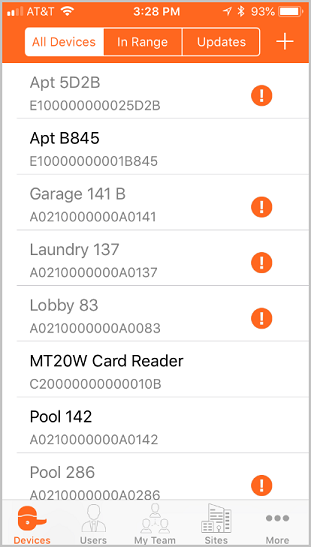
  • View the Devices tab.

  • Find the device to be deleted in the list.

NOTE: In this case we chose the Apt B845 device for deletion.

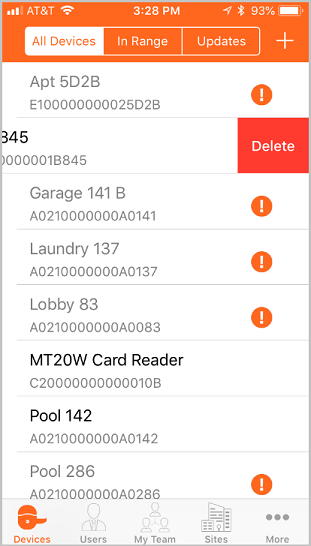
  • • Swipe (leftward) on the device name to enable (or uncover) the Delete button.

  • Select the Delete button.

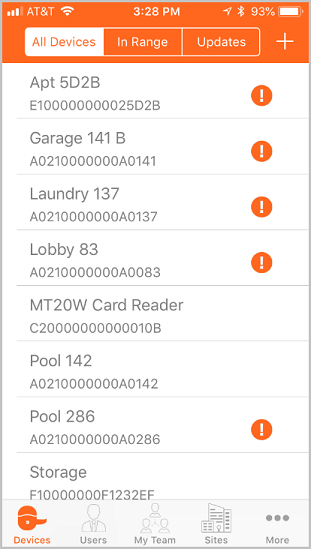
VERIFY SUCCESS

  • The Apt B845 is no longer listed on the Devices screen.