Allegion Developer Portal
Allegion Developer Portal

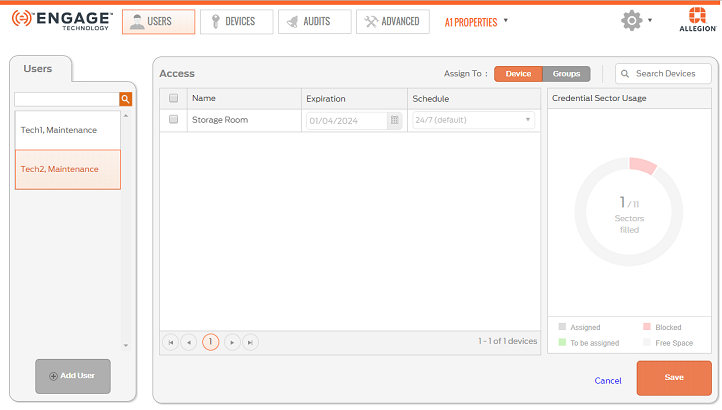
When the resident’s credential is not available, you must Delete Credential from the ENGAGE database and Sync each door that the credential had access.
Open the ENGAGE Web Application.
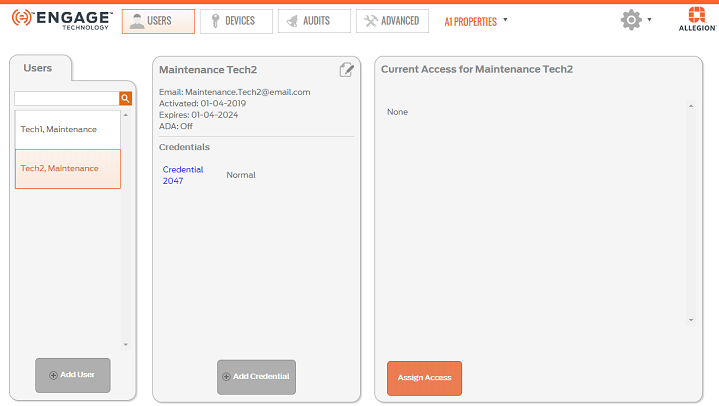
Select USERS tab, then Users tab.
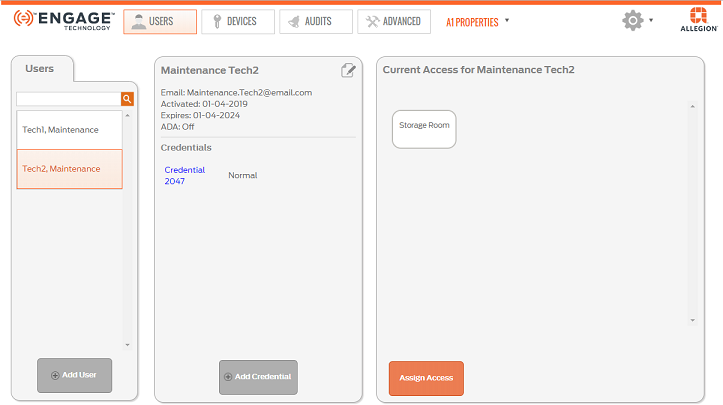
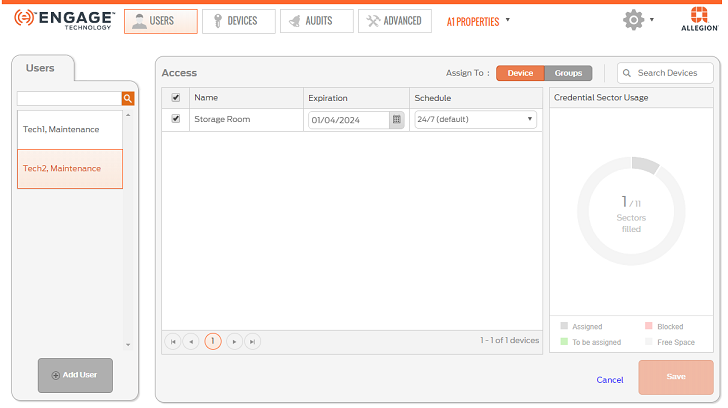
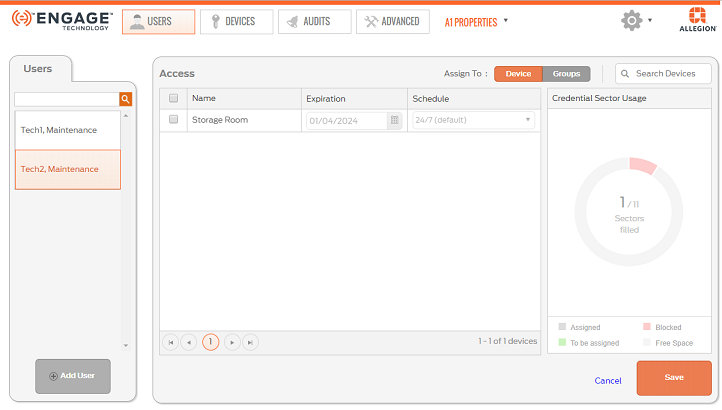
Select the User to have access deleted on the Users tab (in this example we selected Tech2, Maintenance as the user).
VERIFY SUCCESS
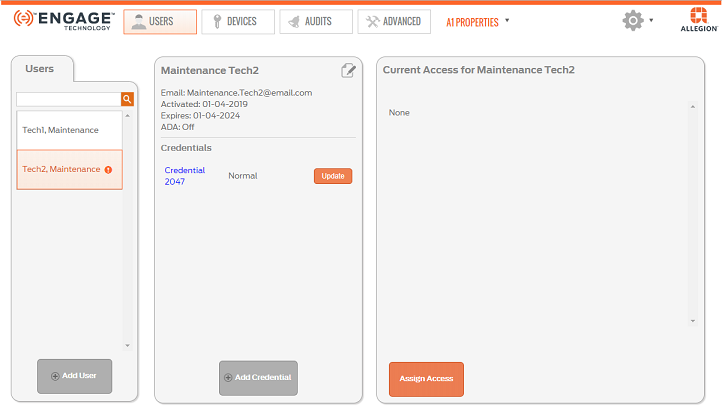
WARNING: The doors with newly deleted access assignments, MUST be updated before the deleted Access Rights is honored (denied). Sync with each device is required.
NOTE: ENGAGE displays the  ICON indicating the specific doors that need to be programmed. The update ICON remains presented until an Audit is returned that confirms that the door has been updated.