Allegion Developer Portal
Allegion Developer Portal

Open the ENGAGE Web Application.
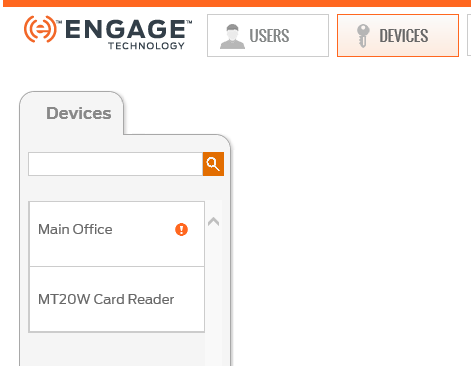
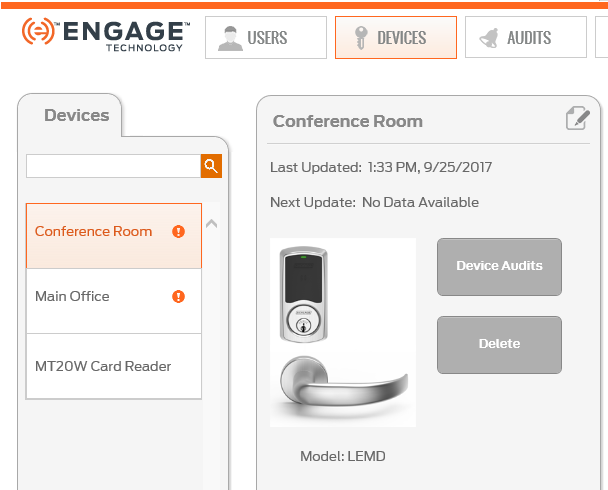
Select the DEVICES tab.
Select the specific device to be deleted from the property device list.
NOTE: We chose Conference Room for deletion.
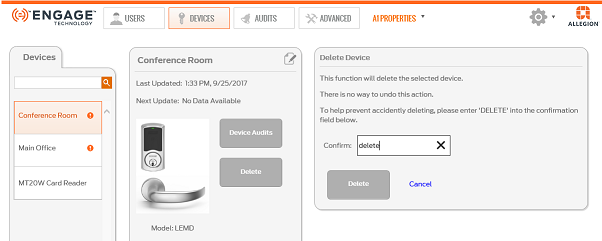
Confirm the process by typing the word ‘delete’ into the Confirm: field.
Select the Delete button to continue.
VERIFY SUCCESS