Allegion Developer Portal
Allegion Developer Portal

Open the ENGAGE Web Application.
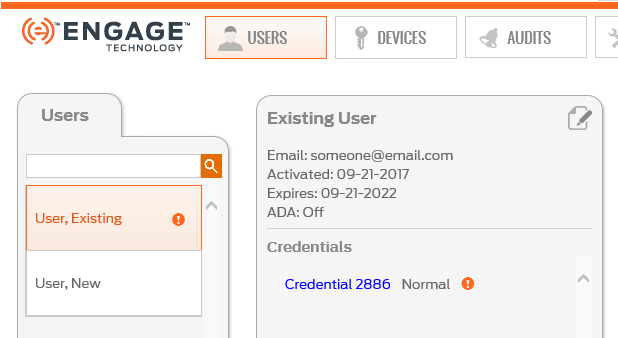
Select the USERS tab and the specific User to have a credential deleted on the Users tab.
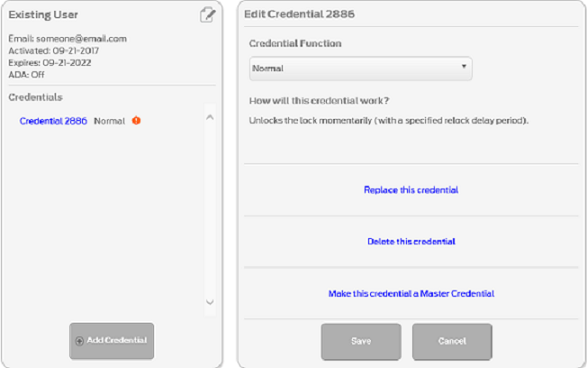
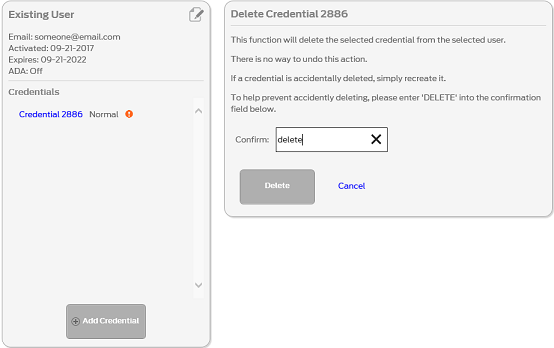
Type the word ‘delete’ into the Confirm: field.
Select the Delete button.
VERIFY SUCCESS
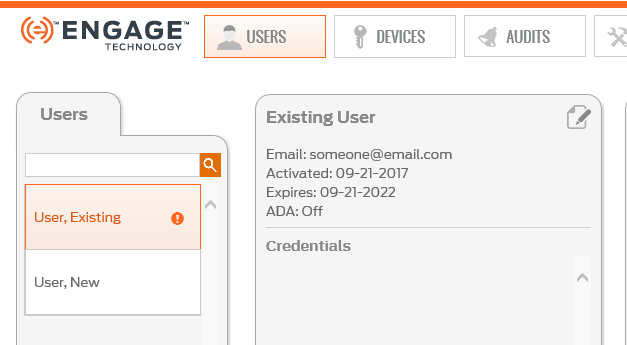
WARNING: Deleting a credential requires all devices that previously had access with that credential, to Sync or perform No Tour programming before the deleted credential is denied access at the door.
NOTE: The ENGAGE Web Application displays the exclamation point "Update"  ICON to indicate which doors with deleted access rights require programming.